
My Account help and step-by-step guides
Manage your Britixo account with clear steps for signing in, billing, business software, team access, projects, hosting, VoIP and support.
Start your Britixo account
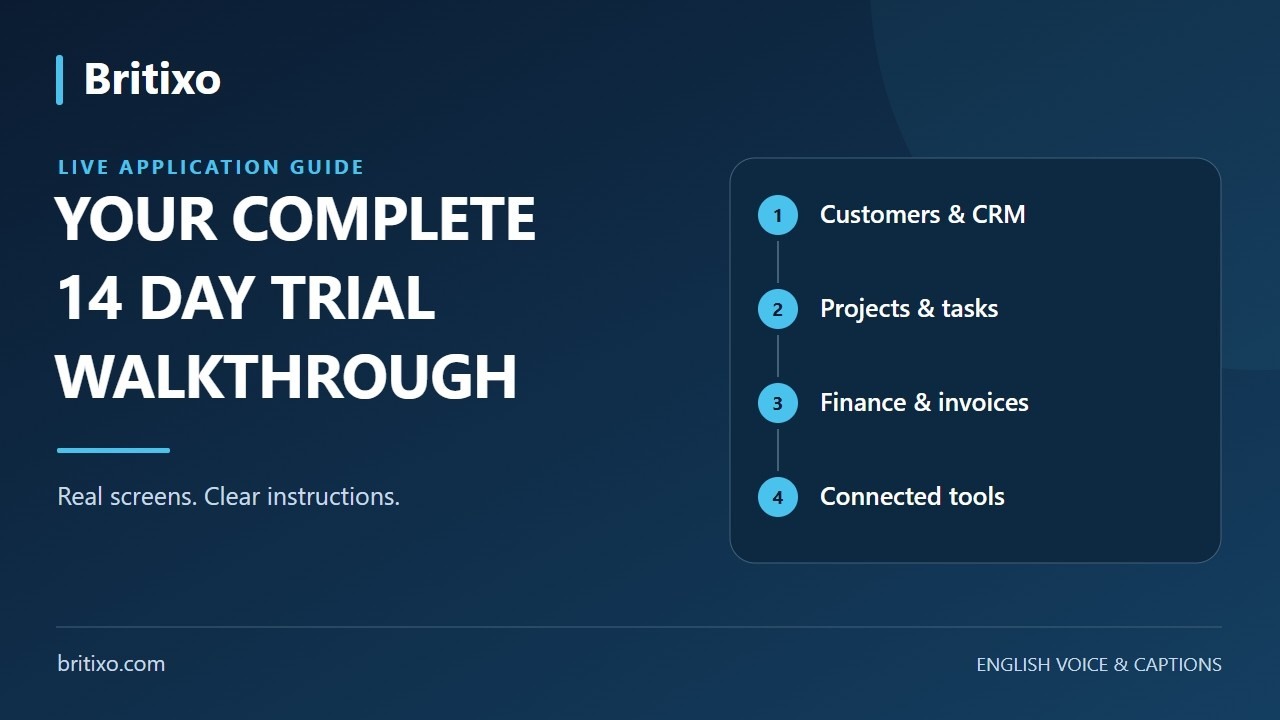
Jump to the account registration chapter in the complete trial walkthrough. Use the guides below to verify your login and find your way around My Account.
Choose a task
Find your way around My Account
Find your services, invoices, projects, applications and support in one place, and understand which menus your account can use.
Open guide →Getting startedCreate and verify your My Account login
Register your business details and complete the separate email and WhatsApp checks before using your account.
Open guide →Getting startedSign in with email, WhatsApp or a password
Choose an available sign-in method and complete the verification shown for your account.
Open guide →Getting startedReset a forgotten My Account password
Request a reset email and choose a new password using the valid reset link.
Open guide →Profile and securityUpdate your company and contact details
Update your profile and verify a changed business email or WhatsApp number.
Open guide →Profile and securitySet up WhatsApp or authenticator verification
Activate the supported two-factor method and understand the verification needed to launch your software.
Open guide →Billing and subscriptionsView invoices and make a payment
Open an invoice, check its charges and payments, and use the payment methods available for that invoice.
Open guide →Billing and subscriptionsView, download and print an account statement
Choose a date range and open a statement for your account.
Open guide →Billing and subscriptionsCheck subscription, trial and renewal status
Understand the status, dates and renewal invoice shown for each software subscription.
Open guide →Projects and servicesTrack project tasks, milestones and progress
Find a project and review the information your project team has shared with you.
Open guide →Projects and servicesReview, accept or reject a project submission
Review a delivered version and record a clear acceptance or request for corrections.
Open guide →Projects and servicesUpload project files and talk to the project team
Share permitted project files and keep project conversations with the correct project.
Open guide →Projects and servicesRequest and follow a professional service
Create a professional-service request and follow its connected service workspace.
Open guide →Business applicationsOpen and manage your installed software
Find an installed application, understand its access status and launch an authorised workspace.
Open guide →Business applicationsInstall your Britixo Business App
Select optional modules around the included CRM Foundation and request your application installation.
Open guide →Business applicationsRequest additional modules and integrations
Describe the business outcome for a module or integration request and send it for review.
Open guide →Business applicationsActivate, update or deactivate an installed module
Use only the module controls enabled for your installed application.
Open guide →Team accessGive team members access to My Account
Add a team member with their own login and choose the My Account sections they can use.
Open guide →Team accessRemove or restore a team member’s account access
Stop a team member signing in through the account access controls, or restore eligible access later.
Open guide →Team accessView and manage users inside your business application
Choose an application, review its staff directory and open its authorised staff-management screen.
Open guide →Requests and supportCheck a domain and request a reservation
Check availability and send a domain-reservation request to Britixo.
Open guide →Requests and supportRequest an API integration
Submit the systems, data and actions you need connected through an API.
Open guide →Requests and supportCreate, find and reply to a support ticket
Send a clear support request, attach permitted files and follow replies in one conversation.
Open guide →Applications and documentsStart, save and submit a licence application
Complete the category-specific questionnaire, resume a draft and submit a tracked application.
Open guide →Applications and documentsFollow a licence application and upload its documents
Review application progress, read the guidance and add the requested supporting documents.
Open guide →Applications and documentsOpen documents and sign an official letter
Find shared documents, open an official letter PDF and complete an available signature request.
Open guide →Hosting and VPSOpen your hosting control panel
Find hosting linked to your account and open the authorised control panel.
Open guide →Hosting and VPSChoose a VPS plan and open its invoice
Select an available Managed VPS package and billing term, then review the generated subscription invoice.
Open guide →Hosting and VPSView a VPS and manage its power state
Select a server, review its state, rename it and use permitted start, stop or reboot actions.
Open guide →Hosting and VPSUse VPS console access and password controls
Generate permitted console access or reset a VPS password and handle the returned credentials carefully.
Open guide →Hosting and VPSView VPS metrics, IP details and reverse DNS
Review traffic and IP information, and update permitted reverse-DNS settings.
Open guide →Hosting and VPSManage VPS network restrictions and monitoring
Use permitted null-route and monitoring actions and understand their effect on connectivity.
Open guide →Hosting and VPSUse VPS snapshots, reinstall and ISO recovery
Understand the available snapshot, restore, reinstall and ISO actions before making a recovery change.
Open guide →Hosting and VPSManage VPS notifications and inspect activity
Configure supported alert rules and inspect the recorded result of VPS operations.
Open guide →VoIP and callingApply for a VoIP or telecommunications service
Complete the service-design questionnaire so Britixo can assess your calling requirements.
Open guide →VoIP and callingFind, reserve and apply for a telephone number
Search for a number, review its reservation invoice and submit the eligible DID application.
Open guide →VoIP and callingVerify and select your VoIP caller ID
Verify a number you control or use an eligible dedicated DID as the outgoing caller ID.
Open guide →VoIP and callingManage extensions, phone labels and incoming routes
Keep calling labels clear and route an incoming number to an available destination.
Open guide →VoIP and callingCreate an IVR menu and keypad choices
Set the menu’s fallback behaviour and connect keypad choices to available destinations.
Open guide →VoIP and callingConfigure ring groups and call queues
Choose call-distribution settings and add available extensions as group or queue members.
Open guide →VoIP and callingAdd calling credit and check payment status
Top up the eligible calling account and understand the status returned after payment.
Open guide →VoIP and callingManage a saved VoIP card and automatic recharge
Save an eligible payment method and control the threshold, amount and limit for automatic calling-credit payments.
Open guide →VoIP and callingSet up a SIP phone or softphone
Use the connection details issued for your extension and check that your phone registers successfully.
Open guide →Getting startedResolve missing menus, records or service access
Check account access, upstream data status and service messages before reporting a problem.
Open guide →