
Enterprise modules and integrations
Use bundled enterprise catalogue, e-invoicing, AI tools and payment integration features.
Set up a Zapier lead workflow
Watch the Zapier example to locate the integration panel, review lead field mapping and check one controlled test before enabling the workflow.
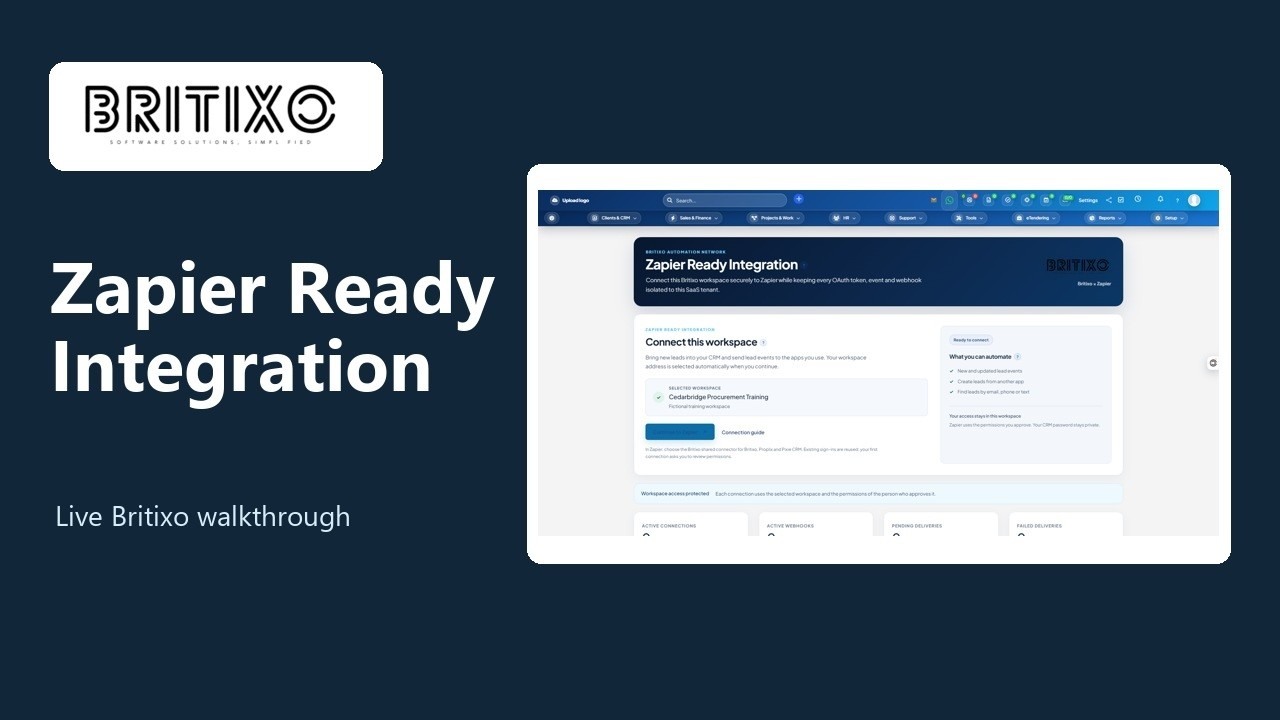
Use the Enterprise Solutions catalogue
Use the Enterprise Solutions catalogueBrowse bundled product, module and integration information and manage catalogue requests.
Open guide →GuideGenerate and export an e-invoice
Generate and export an e-invoiceValidate the configured template and create the supported electronic invoice output.
Open guide →GuideUse AI text enhancement and ticket assistance
Use AI text enhancement and ticket assistanceImprove draft text, summarise tickets and suggest replies with human review before use.
Open guide →GuideConfigure and use the iDEAL payment integration
Configure and use the iDEAL payment integrationEnable the bundled iDEAL integration, configure webhook handling and test payment callbacks.
Open guide →GuideeCommerce & POS Module overview
eCommerce & POS Module overviewStart with the complete code-backed module map.
Open guide →WorkflowRead-only API credentials and endpoints
Read-only API credentials and endpointsThis section documents API key creation, authentication, rate limits, list parameters and every supplied GET endpoint.
Open guide →WorkflowSigned webhooks, retries and cron processing
Signed webhooks, retries and cron processingThis section documents endpoint safety checks, event selection, HMAC verification, delivery retries and dead-letter behaviour.
Open guide →Zapier Ready Integration
Need a connected lead workflow? Follow the approved setup, field mapping, testing and troubleshooting guides for Britixo.
Browse all Zapier Ready Integration guides →